On this page
Quotes are priced offers. You send a link. The customer ticks optional lines, then signs, or sends a note asking for a change.
Ask your agent to turn quotes on. A deposit on approval needs payments.
Start a quote
Admin → Quotes. Press New quote, then Start quote. Add lines from the catalog or type a line. New quotes stay open for 30 days unless your agent set a different validDays.
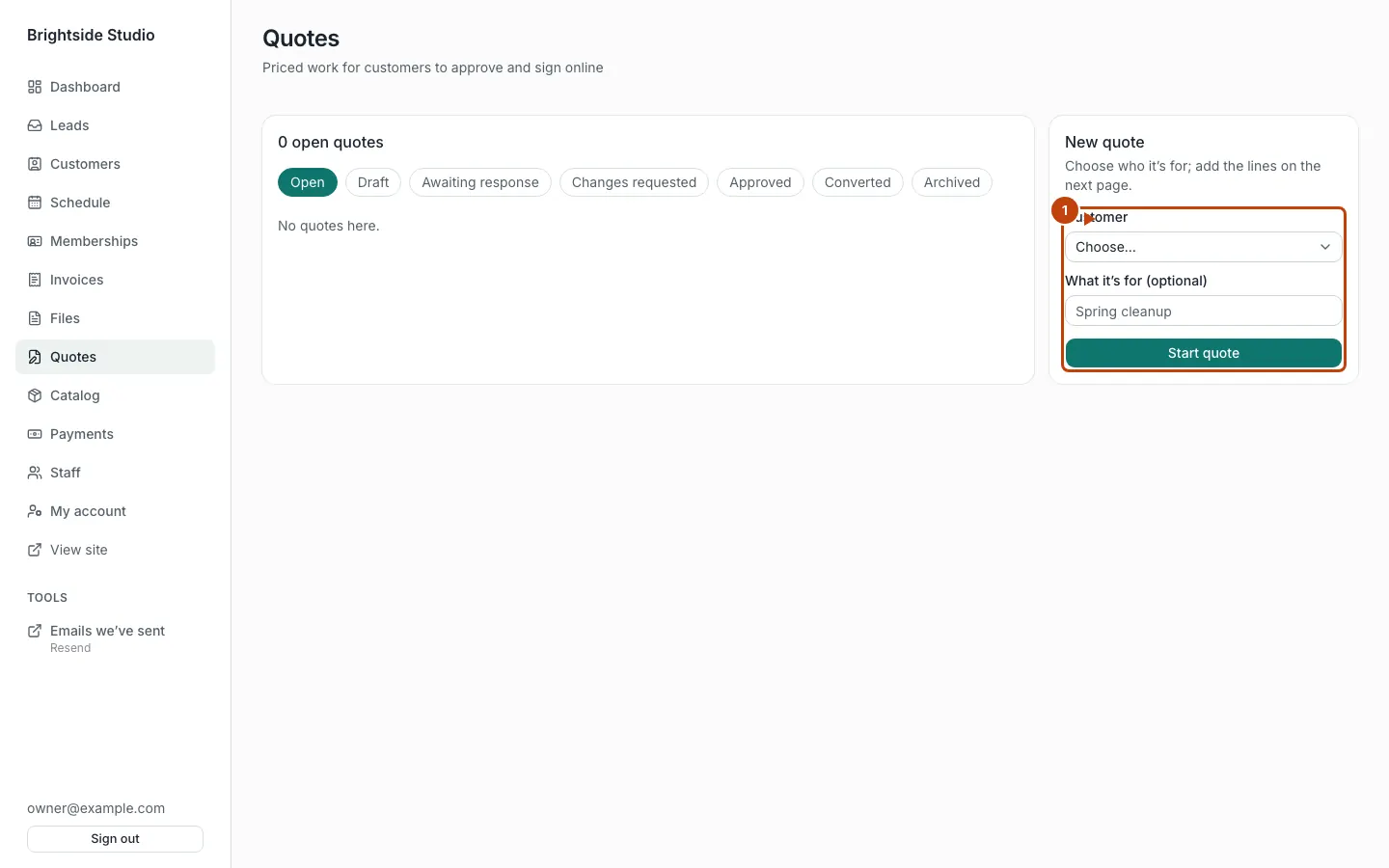
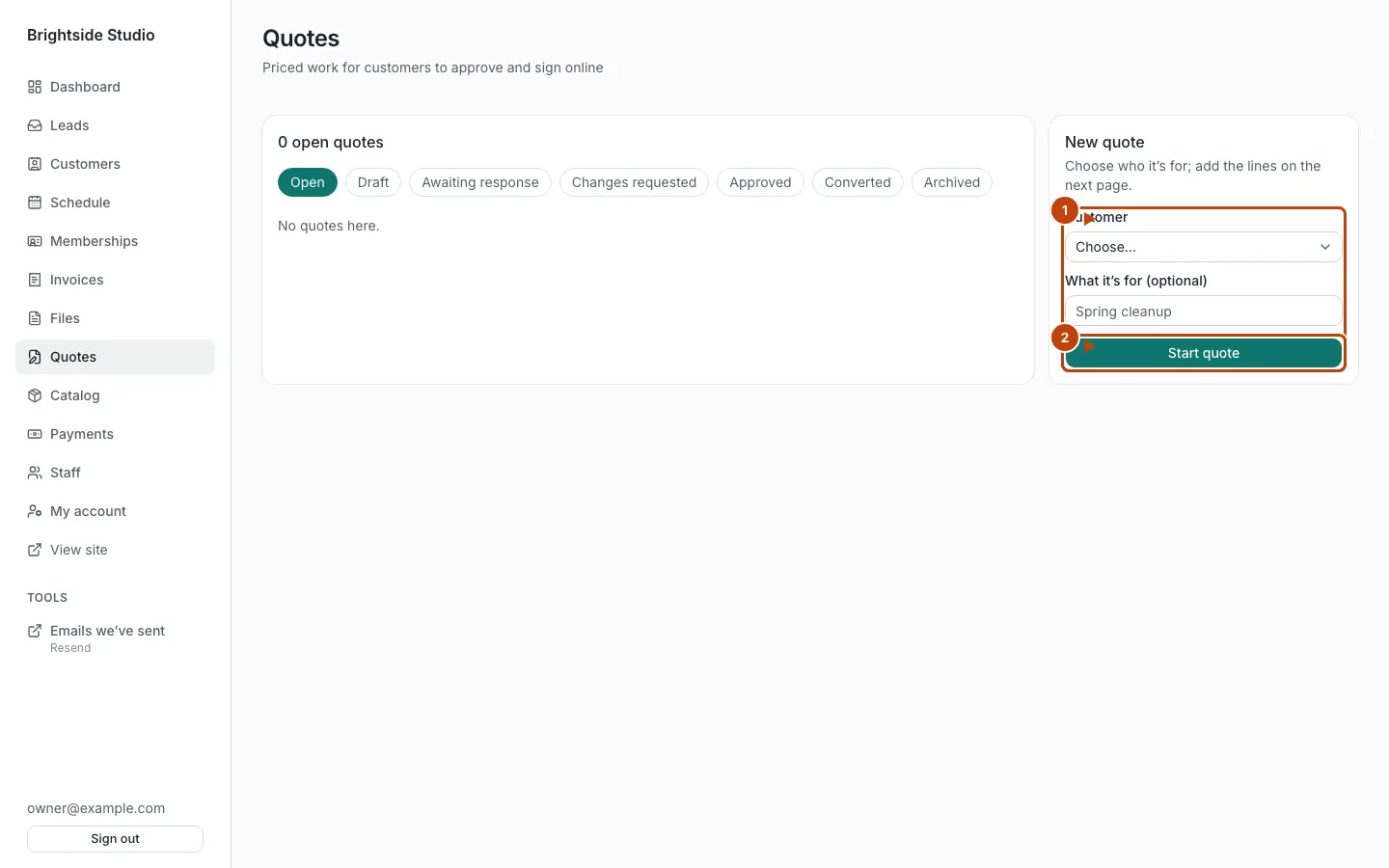
Orange numbers:
- The new-quote form. Pick the customer.
- Start quote
Send it
Send quote emails (and texts, if texting is on). Copy link if you want to paste it yourself. The customer opens /q/{token}. PDF is there too.
They approve with a typed name or a drawn signature. Or they send a note and the quote becomes changes requested.
What the statuses mean
Draft → awaiting response ⇄ changes requested → approved → converted. You can also archive a quote, or delete a draft.
After they approve
The quote page lists what you can convert it to (an invoice, for example), when those tools are on. Mark approved is for when they agreed off the link.
With payments on, they can pay a deposit on the quote link.
Catalog items
Quote lines often come from admin → Catalog. Owners add items there. Staff can look. Only an owner can change prices.
Canonical: https://www.xylosoftware.com/cms/docs/quotes