On this page
Memberships are recurring plans you sell on your site. A customer with an open plan is a member in product language, not a separate kind of person. Money goes to your Stripe account.
This tool needs payments and the customer portal. Ask your agent to turn memberships on. You cannot flip that switch in admin.
Add a membership plan
- Finish Stripe setup with test keys until your Stripe account is verified and a bank is connected.
- Sign in as the owner. Staff can look, but only an owner can add a plan.
- Open admin → Catalog.
- Fill Add a plan on the right: name, description, price, and How often it bills.
- Press Add plan.
- Leave it offered (active) if customers should see it.
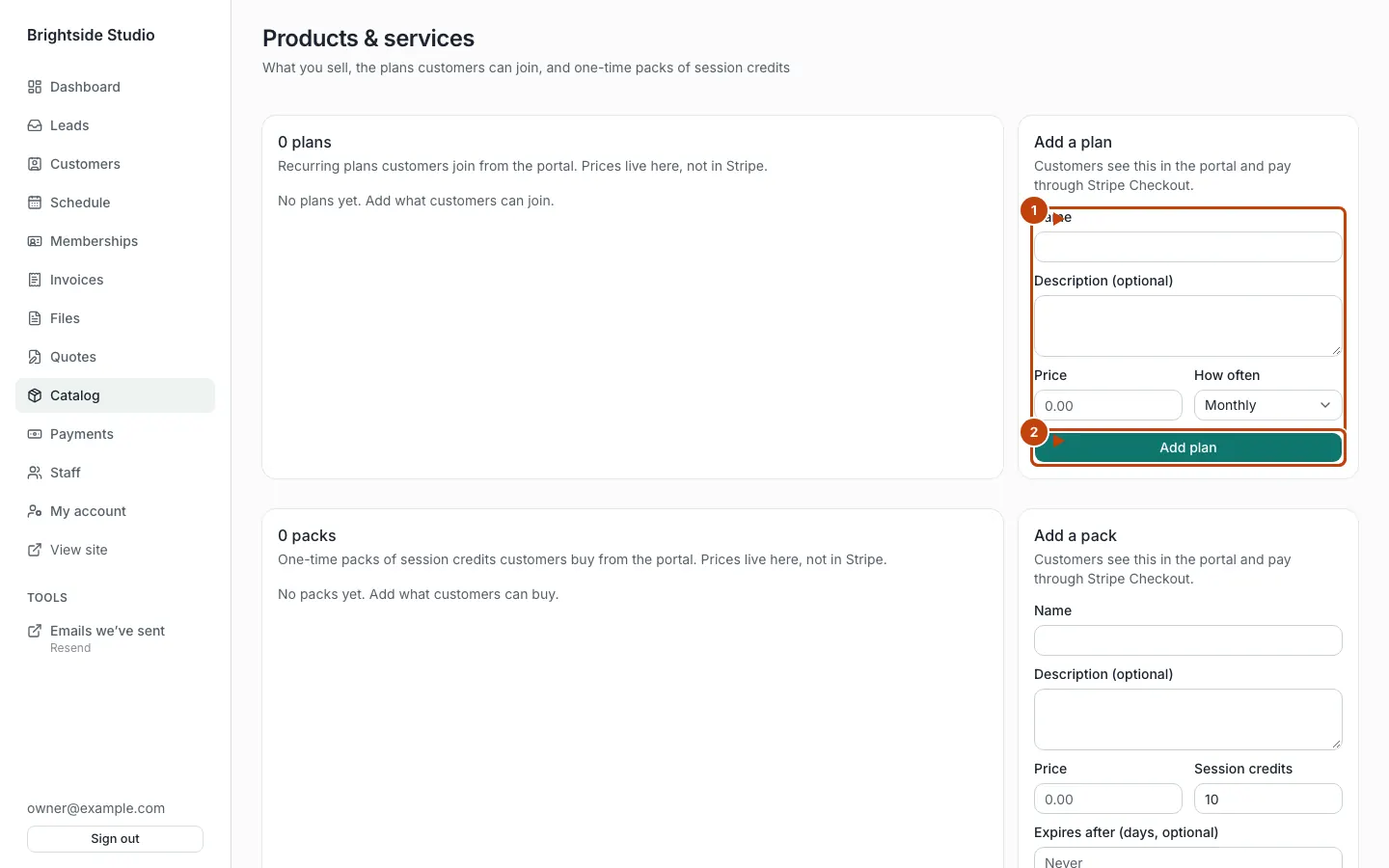
Orange numbers:
- The Add a plan form
- Add plan
Plans must be at least $0.50.
How often it bills
Presets on the form:
- Every 28 days
- Every 4 weeks
- Monthly
- Yearly
You can also set a custom interval: day, week, month, or year, with a count. Examples: every 14 days, every 3 months. A year can only be a count of 1. A day plan cannot be longer than 365 days.
To bill every 28 days, set How often to Every 28 days, then press Add plan.
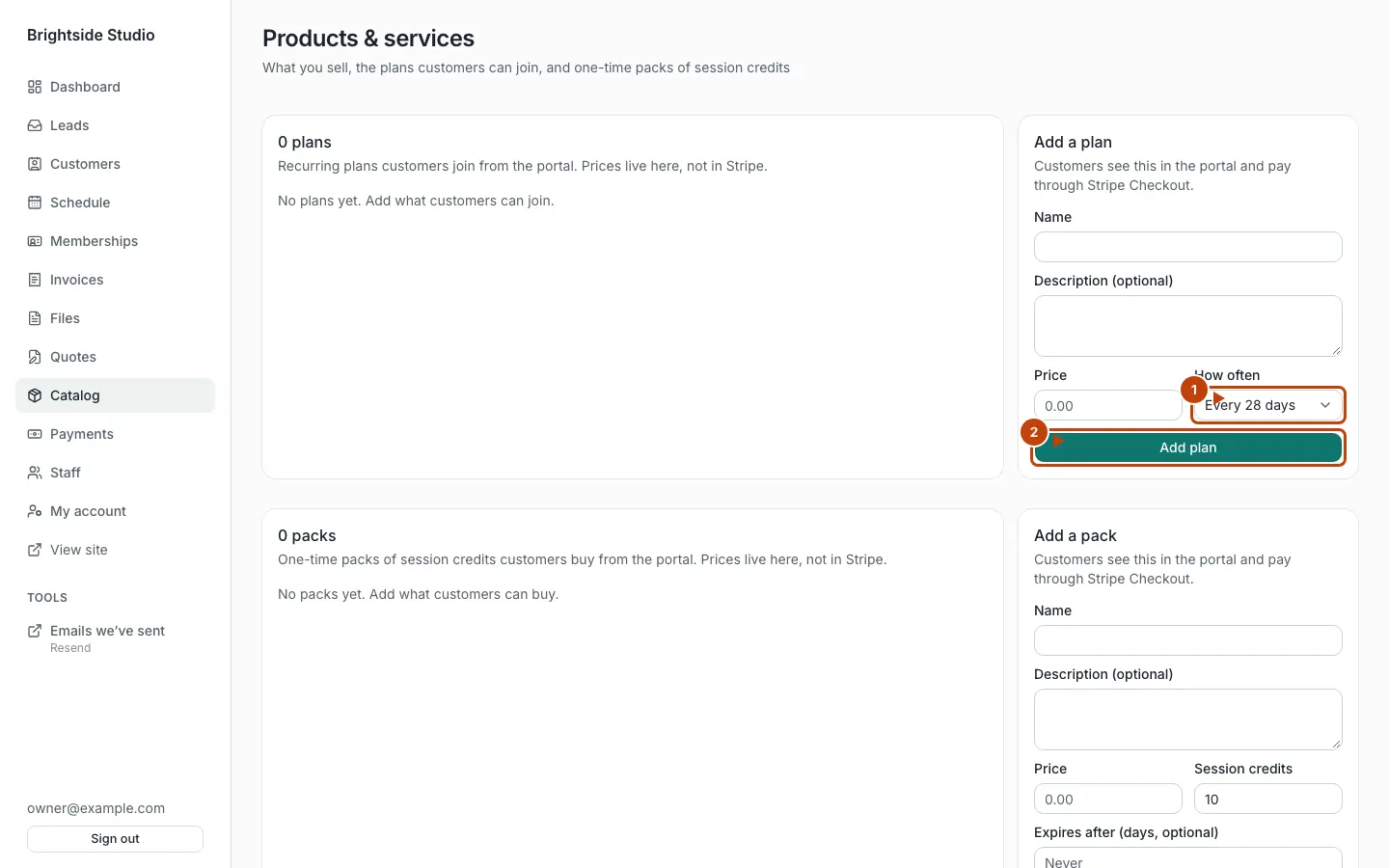
Orange numbers:
- How often
- Add plan
The catalog is the source of truth. Stripe product and price ids are a cache created when you save (and on first checkout). If you change the price or cadence, the old Stripe price is archived and a new one is created.
Let members cancel online
Admin → Memberships. Owners see Let members cancel online and Save. It is on by default.
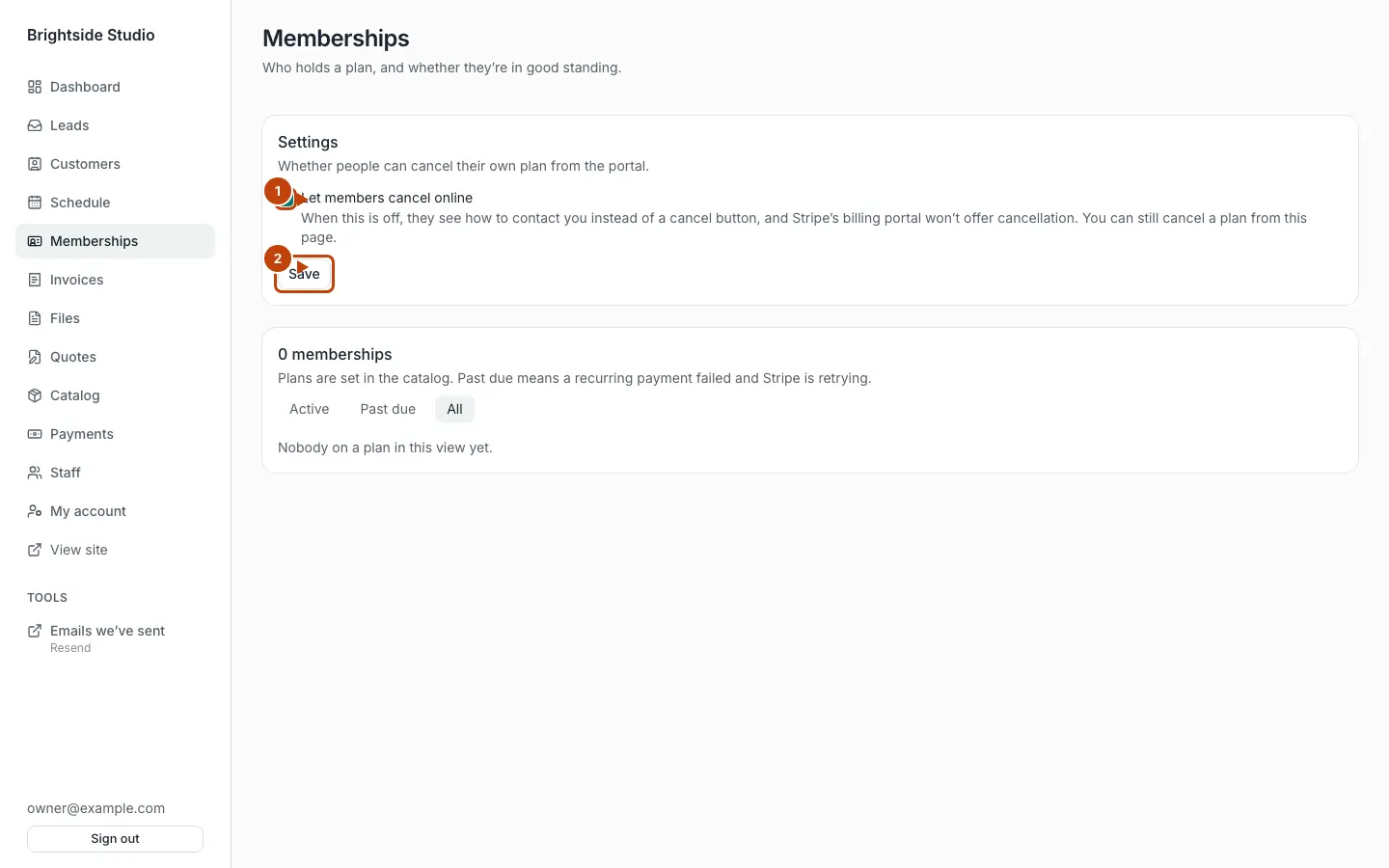
Orange numbers:
- Let members cancel online
- Save
When it is on, a signed-in customer can cancel from the billing portal (or the simulated manage page when you have no Stripe keys).
When it is off, they see a note to contact you. Staff can still press Cancel at period end on a row.
How a customer joins
They must already be a customer who can sign in. They open /portal/memberships and start checkout for the plan you offered.
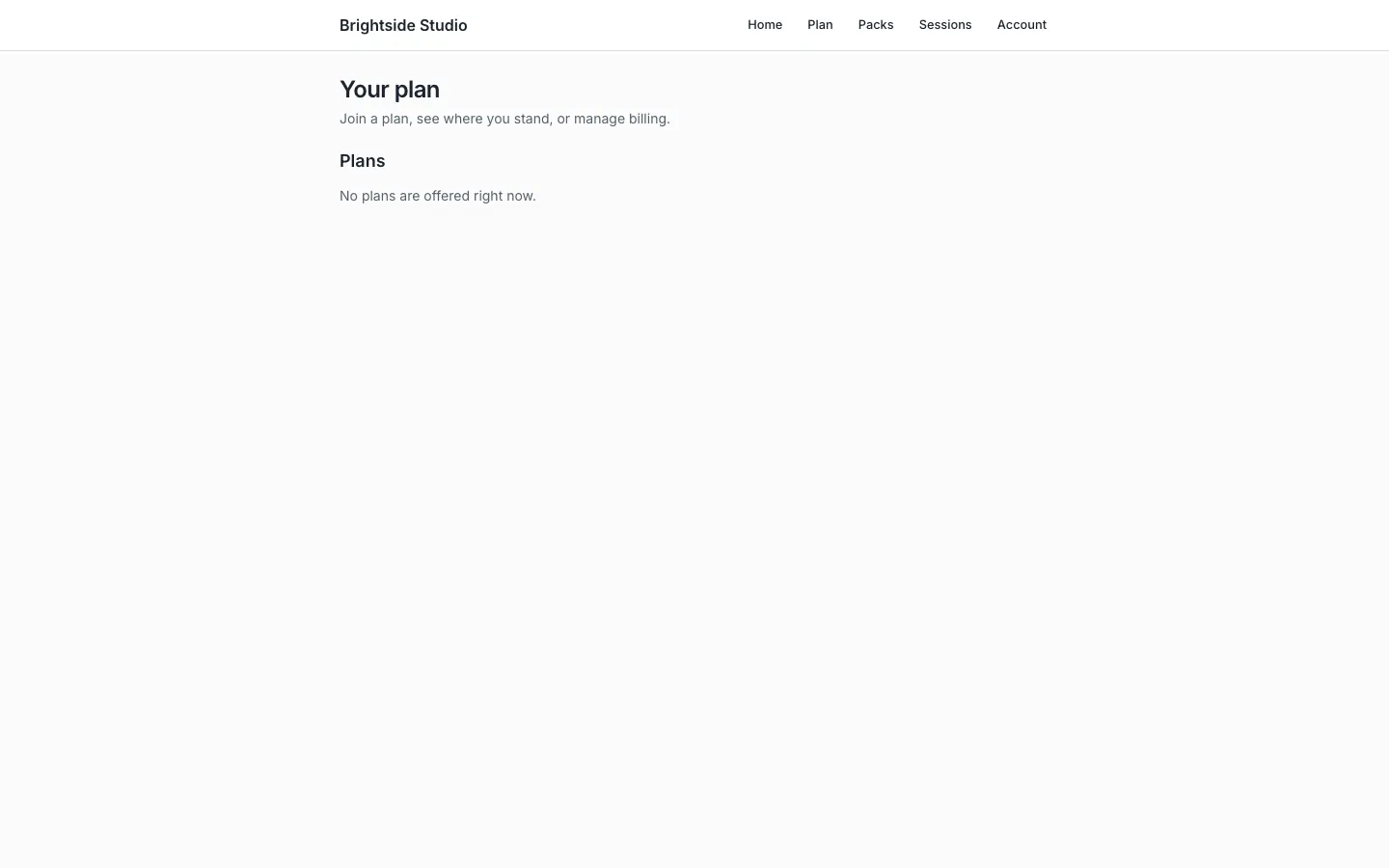
Link that page from your public site if you want a public “join” path. They still have to sign in.
After Stripe confirms, the plan shows in admin. Do not trust the Stripe dashboard alone.
Without Stripe keys, local and preview deploys simulate a join. Nothing is charged. The row is marked simulated. In production with no keys, online signup is refused.
What the statuses mean
| Status | Meaning |
|---|---|
| Incomplete | Checkout started, not finished |
| Trial | In a trial (if you use one) |
| Active | Paid up |
| Past due | A recurring payment failed. They are still a member, flagged. |
| Canceled | The plan has ended |
| Unpaid / paused | Still open, not in good standing |
A customer can have only one open plan at a time.
What customers see
Portal home has a Your plan card. /portal/memberships shows the plan name, status, and cadence in plain words (monthly, every 28 days). Manage billing opens Stripe’s billing portal when Stripe is connected: update a card, see invoices, change plan, and cancel if you allow it.
Messages you can send
Your follow-ups can react to:
membership.startedmembership.past_duemembership.canceled
Ask your agent to wire those in messages.
Canonical: https://www.xylosoftware.com/cms/docs/memberships