On this page
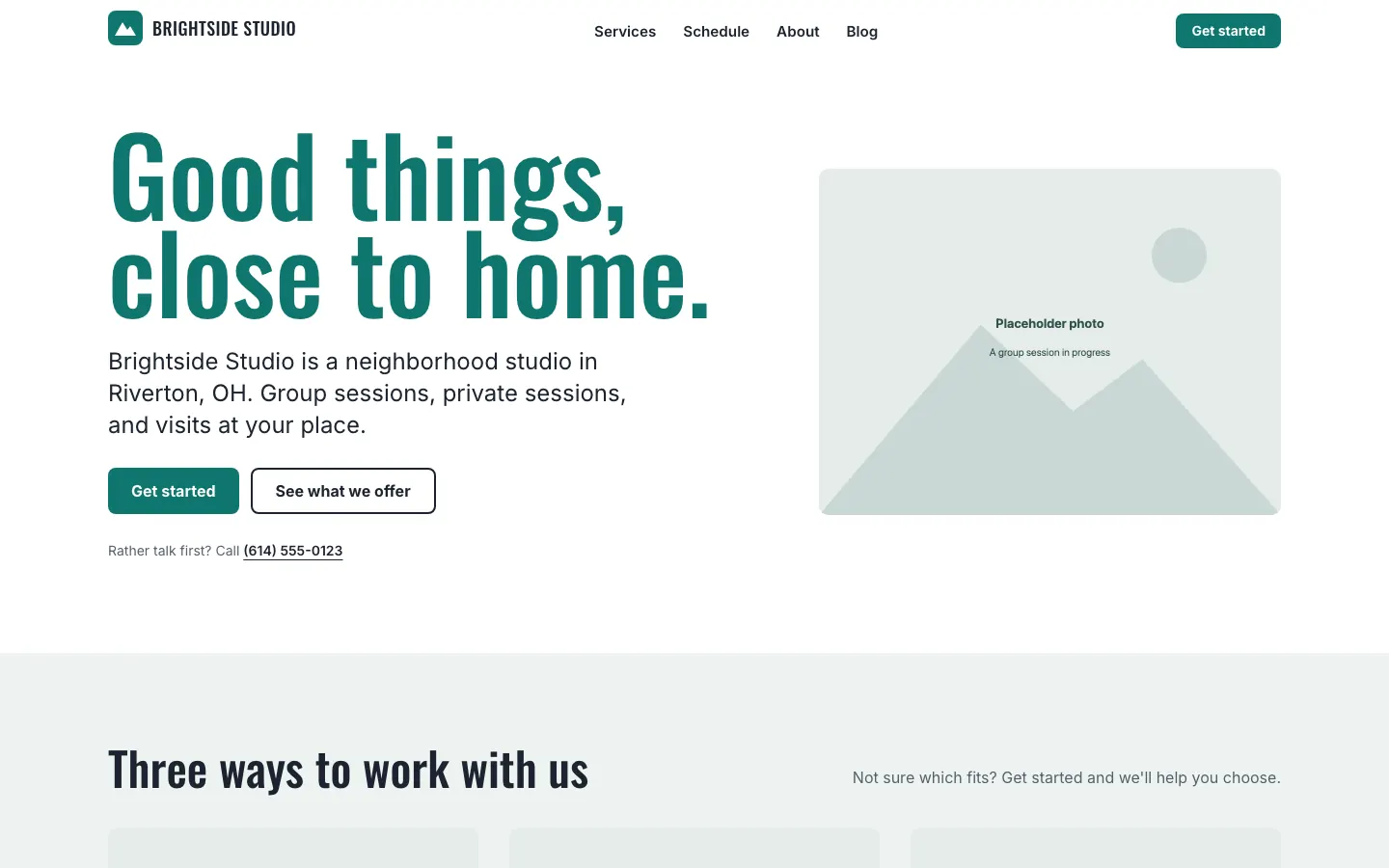
The public site is what visitors already know how to use. Home, about, blog, contact, and your other pages. These pages are shared between visitors. They do not know who is signed in.
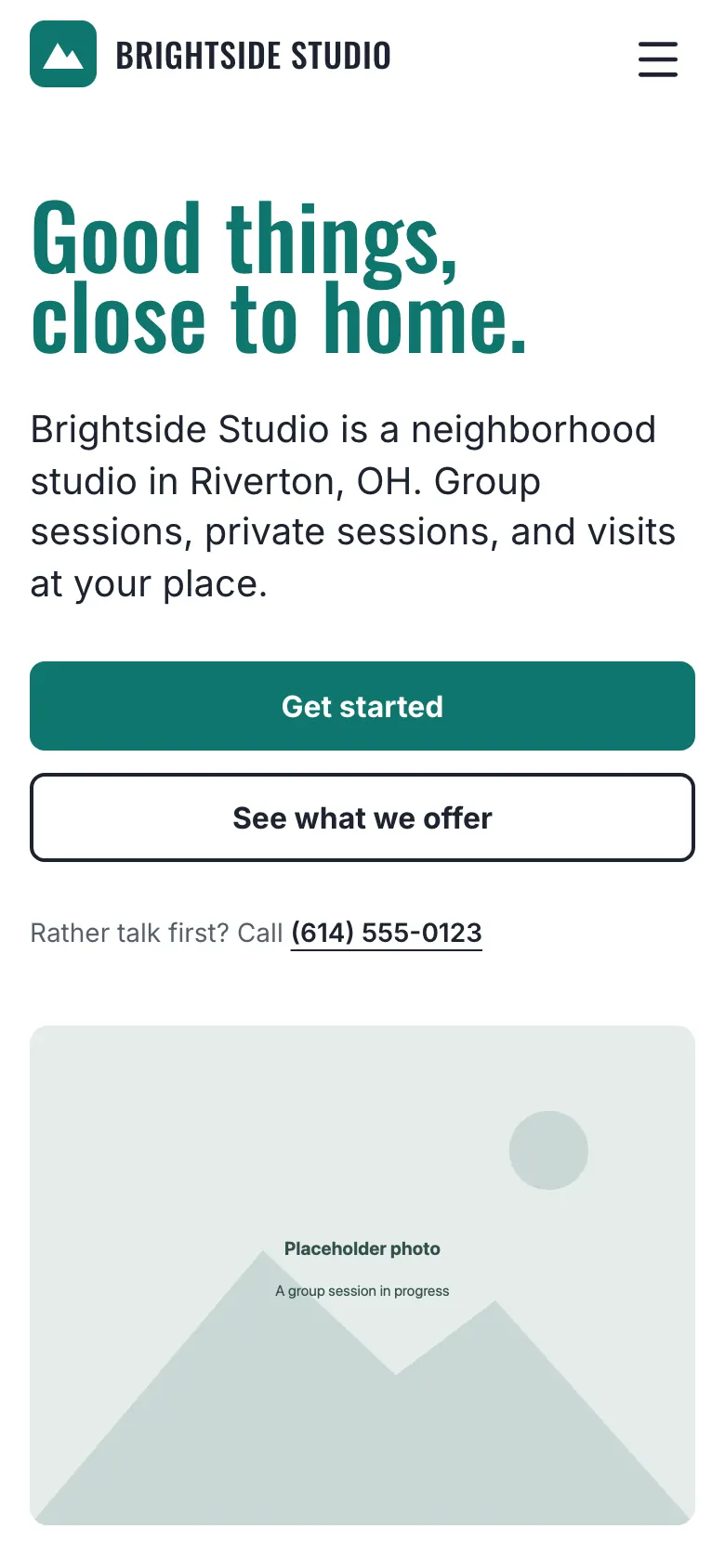
On a phone:
What you can change yourself
In admin you can:
- Upload files and copy a link (Files)
- Add customers and invite them to the portal
- Run the schedule, if that tool is on
You cannot rewrite homepage copy from admin today. Ask your agent. Typical requests:
- “Change the homepage headline to …”
- “Swap the hero photo for this image.”
- “Add a page for personal training.”
- “Put this Instagram caption on the blog.”
The agent edits your site files, opens a pull request, and you merge it. That merge is what visitors see.
Blog posts and the link page
Every site can have a blog and a link-in-bio page at /links. Ask your agent to add a post. The add-blog-post skill is built for that: send a caption and a photo.
Forms
Forms on the public site create leads. Your agent can change the questions, the consent wording, and which program a form is for.
Do not take the consent box off a form that sends texts. The wording has to stay in line with your terms of service.
Pages that are not “the website”
Some links are special:
/sign-in— staff and customers/portal— signed-in customers, if the portal is on/schedule— the public timetable, if group sessions are on/pay/{token},/i/{token},/q/{token}— pay, invoice, and quote links you send to one person/files/{slug}— a file you uploaded
Those pages are part of the product. You do not hand-edit them like a blog post.
Contact details
Phone, text-us, and address on the public site come from site config. If you have not set a phone number, the phone link simply does not show. Ask your agent to update contact details. Do not invent a number.
Canonical: https://www.xylosoftware.com/cms/docs/public-site