On this page
Admin is the signed-in staff area. It is not the customer portal. Sign in at /sign-in, then you land on the dashboard.
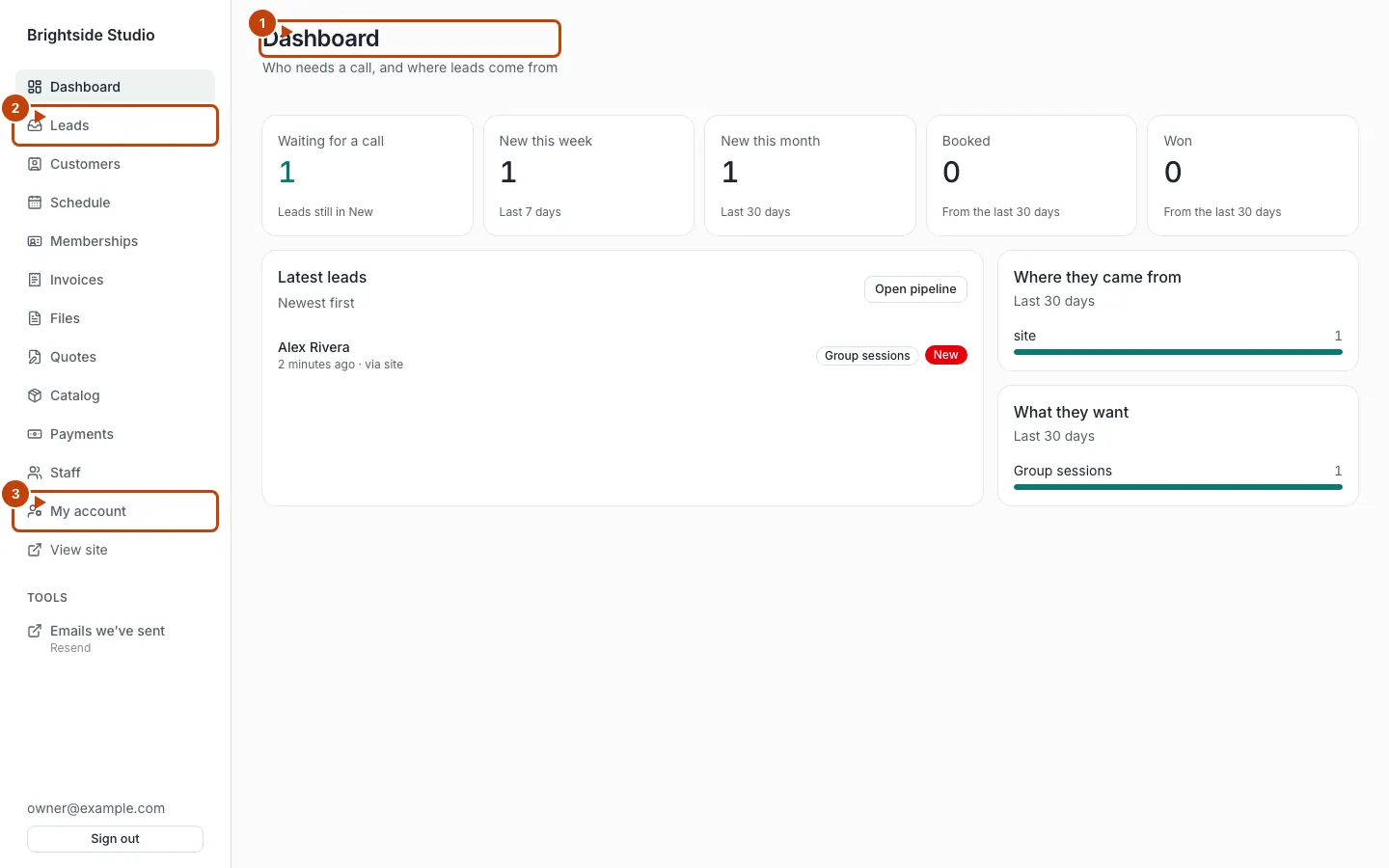
Orange numbers on the screenshot:
- The dashboard heading. Counts below tell you who needs a call.
- Leads in the left-hand menu
- My account, where you change your password
On a phone the menu is a row across the top:
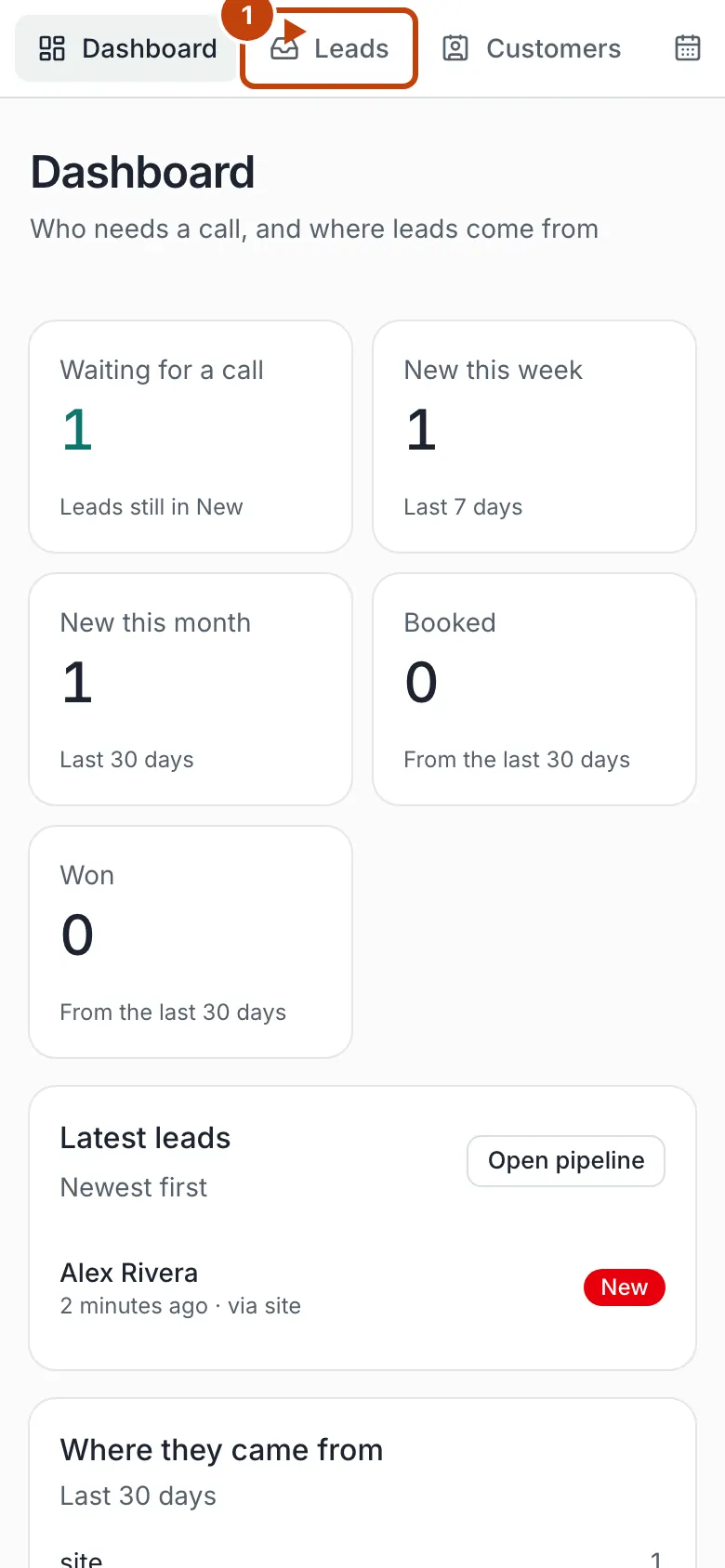
The left-hand menu changes with your tools. Dashboard, Leads, Customers, Staff, and My account are always there. The rest appear only when that feature is on.
Dashboard
The home screen. It tells you who needs a call and where recent leads came from.
You will see counts such as Waiting for a call, New this week, and New this month. Stage tiles follow the pipeline in your site config. Latest leads and Open pipeline take you to the leads board.
If nobody has filled a form yet, it says so. That is normal on a new site.
Leads
Everyone who reached out through the site. Board and list views, search, and a program filter. Open a lead to text them, log a call, leave a note, or move their stage. When they are Won, you can make them a customer. Details: Leads.
Customers
The people you serve. Search, add someone, invite them to sign in, archive, and open a record. Quotes, invoices, bookings, and plans all point at this list. Details: Customers.
Schedule
Weekly group sessions, closed days, and who signed up. Only shows when group sessions are on. Details: Group sessions.
Memberships
Who is on a plan. Owners can turn Let members cancel online on or off here. Plans themselves live in Catalog. Details: Memberships and plans.
Catalog
Nav label Catalog. Page title Products & services.
Owners add:
- Membership plans
- Session packs
- Quote line items, if quotes are on
Staff can look. Only an owner can change prices. Details on each kind of offer live on the money pages.
Invoices
What a customer owes. Create, send, record a payment, void, or mark bad debt. Details: Invoices.
Quotes
Priced offers. Send a link. The customer signs or asks for a change. Details: Quotes.
Payments
Money that came in online, plus cash and checks you record. Owners can refund. Details: Payments.
Files
Upload a PDF, text file, or zip. Copy a stable link to put on the site. Details: Files.
Staff
The team list. Staff can work leads. Owners invite people, set the role to Staff or Owner, and remove people.
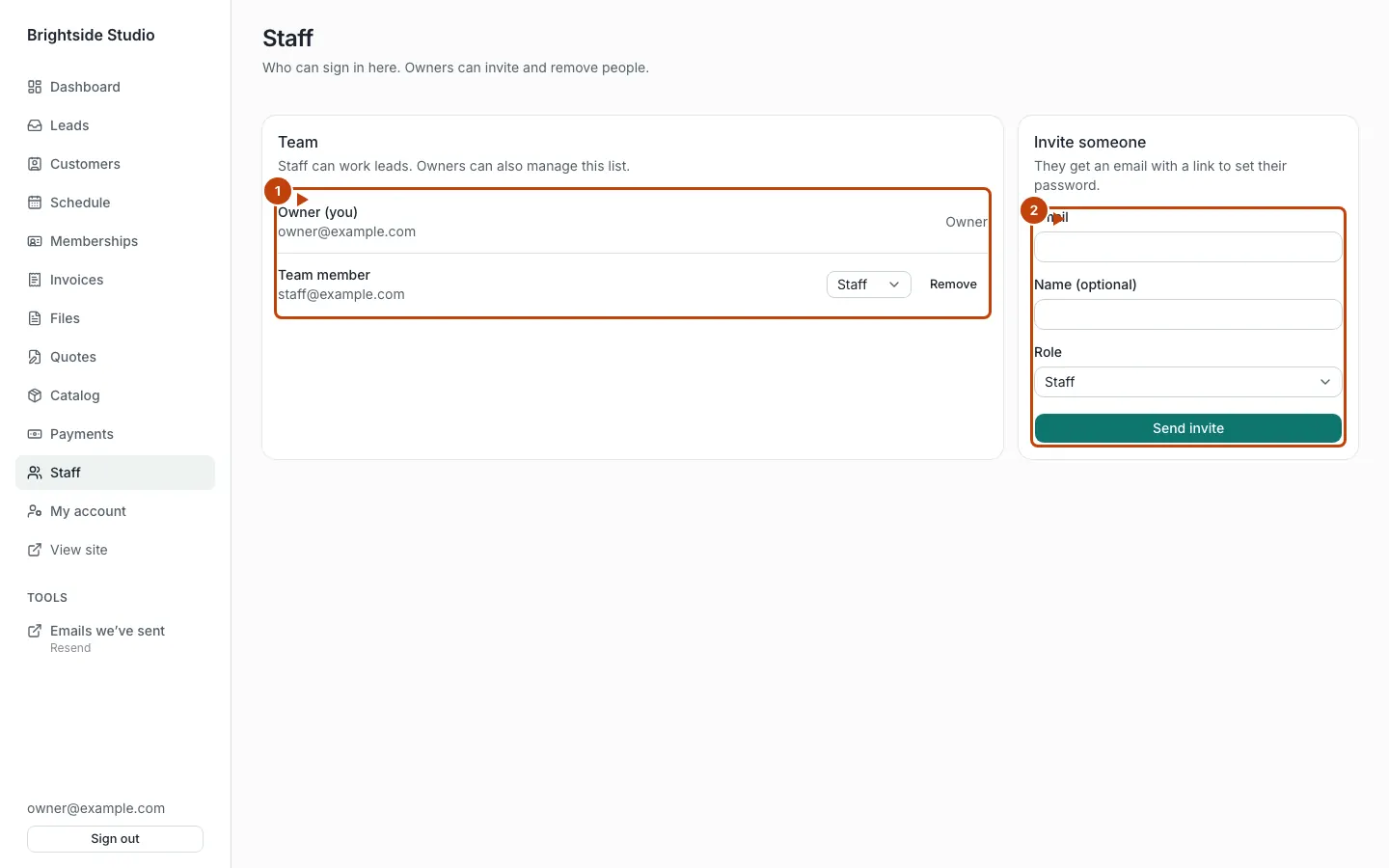
Orange numbers:
- The team list
- The invite form on the right
My account
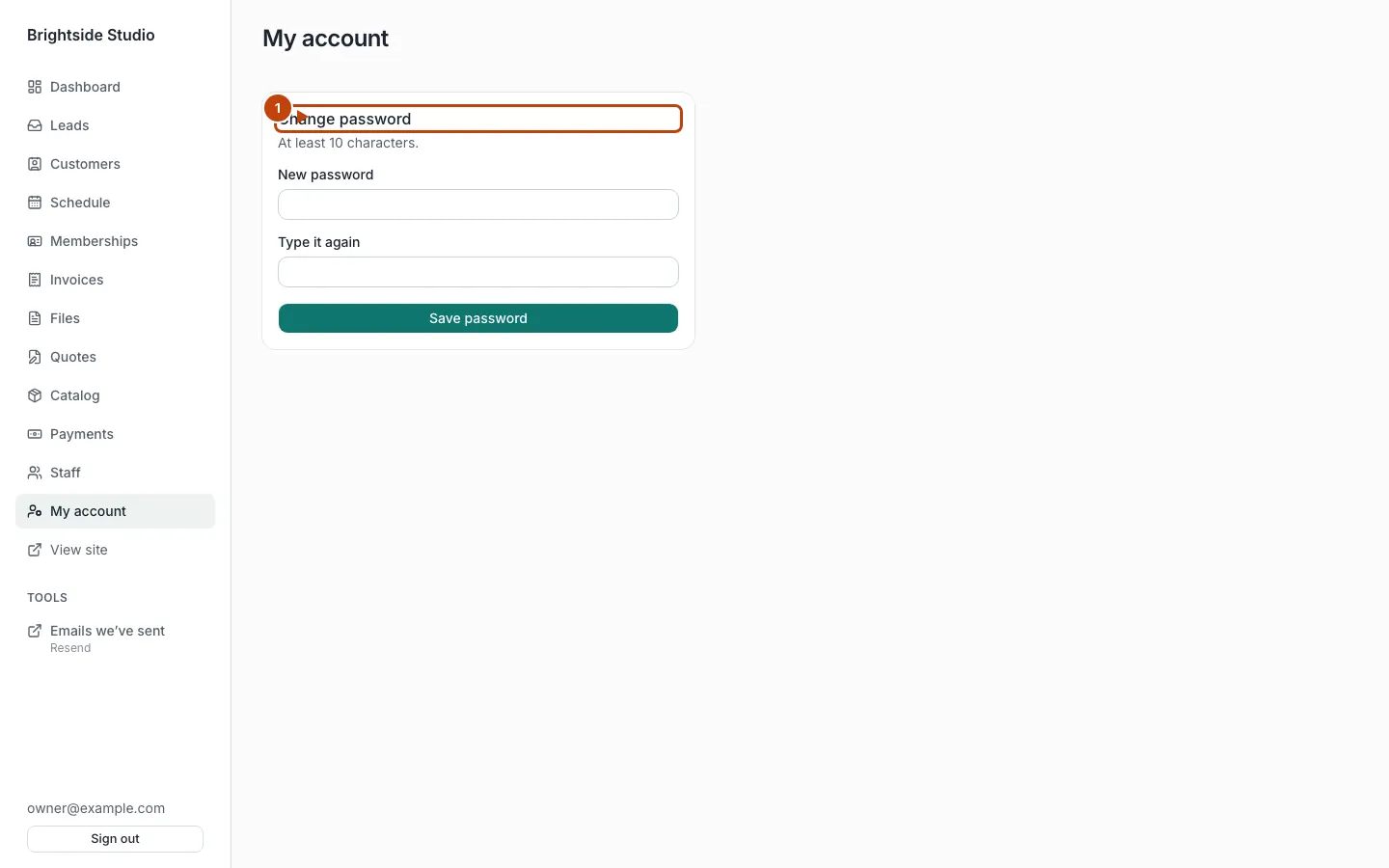
Change your password. At least 10 characters.
View site
Opens the public site in a new tab.
What only an owner can do
- Invite and remove staff, and change their role
- Add or edit catalog prices, plans, and packs
- Turn Let members cancel online on or off
- Refund a payment
- See any extra Tools links (for example a mailbox of emails the site sent)
Staff can still cancel a membership at period end, record payments, send invoices, and run the schedule.
What you cannot change in admin today
Feature switches, the words on your public pages, follow-up texts, and most booking rules live in site config. There is no Settings page in admin yet. Ask your agent. See Turn features on and off and What to ask your agent.
Canonical: https://www.xylosoftware.com/cms/docs/admin