On this page
The portal is /portal. It is for customers, not staff. It only exists when the customerPortal switch is on.
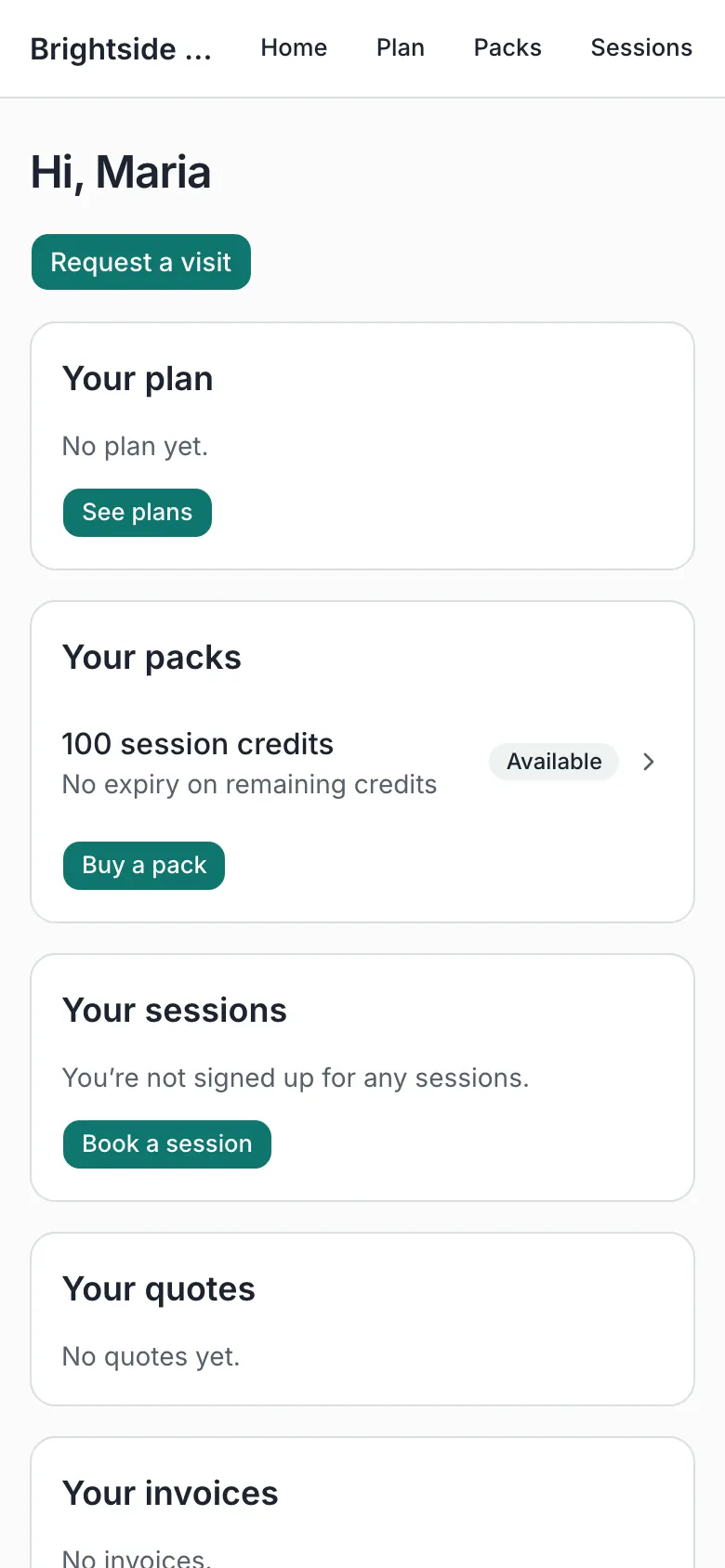
On a phone:
Invite someone
Admin → Customers → open the person → Invite to sign in. They get an email, set a password, and land in the portal.
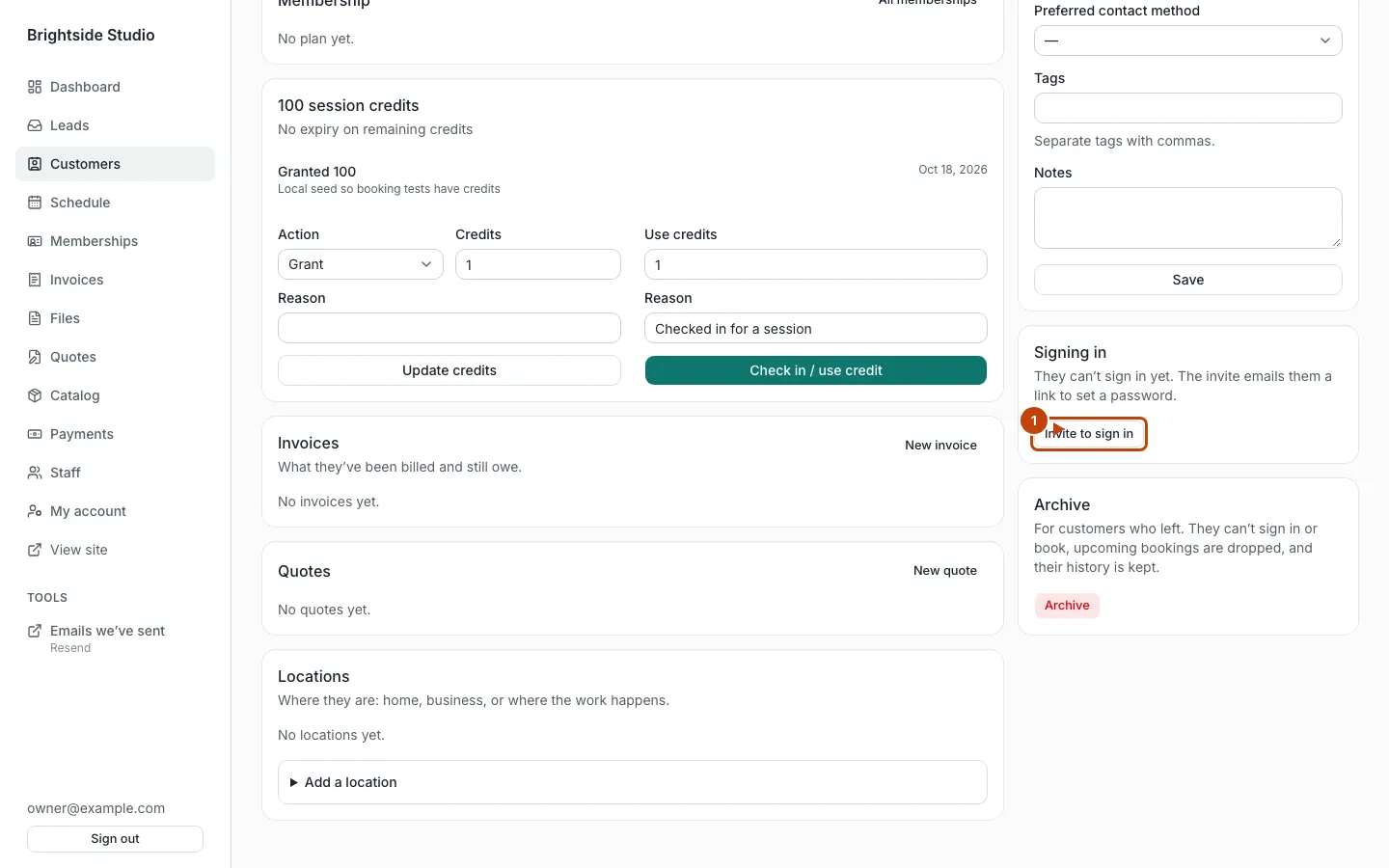
Orange numbers:
- Invite to sign in
They can also sign in with a one-time code emailed to that address. Ask them to use /sign-in. Staff and customers share that page. After sign-in, customers go to /portal.
There is no public sign-up form. If someone is not a customer yet, add them first.
What they see at home
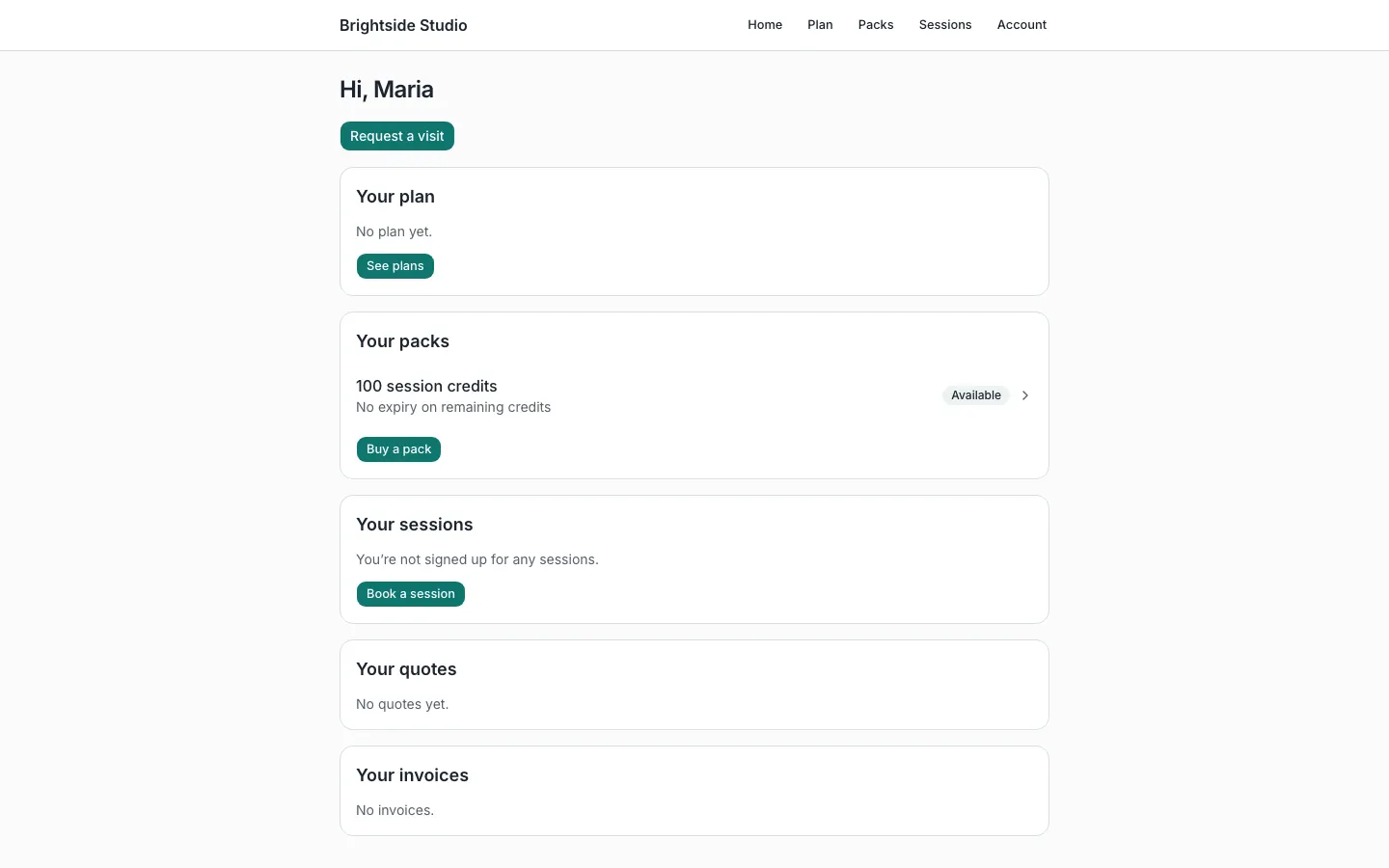
The home page stacks a card from each tool that has something for them:
- Their plan, if memberships are on
- Their packs, if session packs are on
- Their sessions, if group sessions are on
- Open quotes
- Open invoices
They can open Account to change their password. On a phone, they may see Install portal or How to install. That adds a home-screen icon. It does not store private data on the phone.
Booking, plans, and packs
- Book a session at
/portal/sessionswhen group session booking is on - Join or manage a plan at
/portal/memberships - Buy a pack at
/portal/session-packs
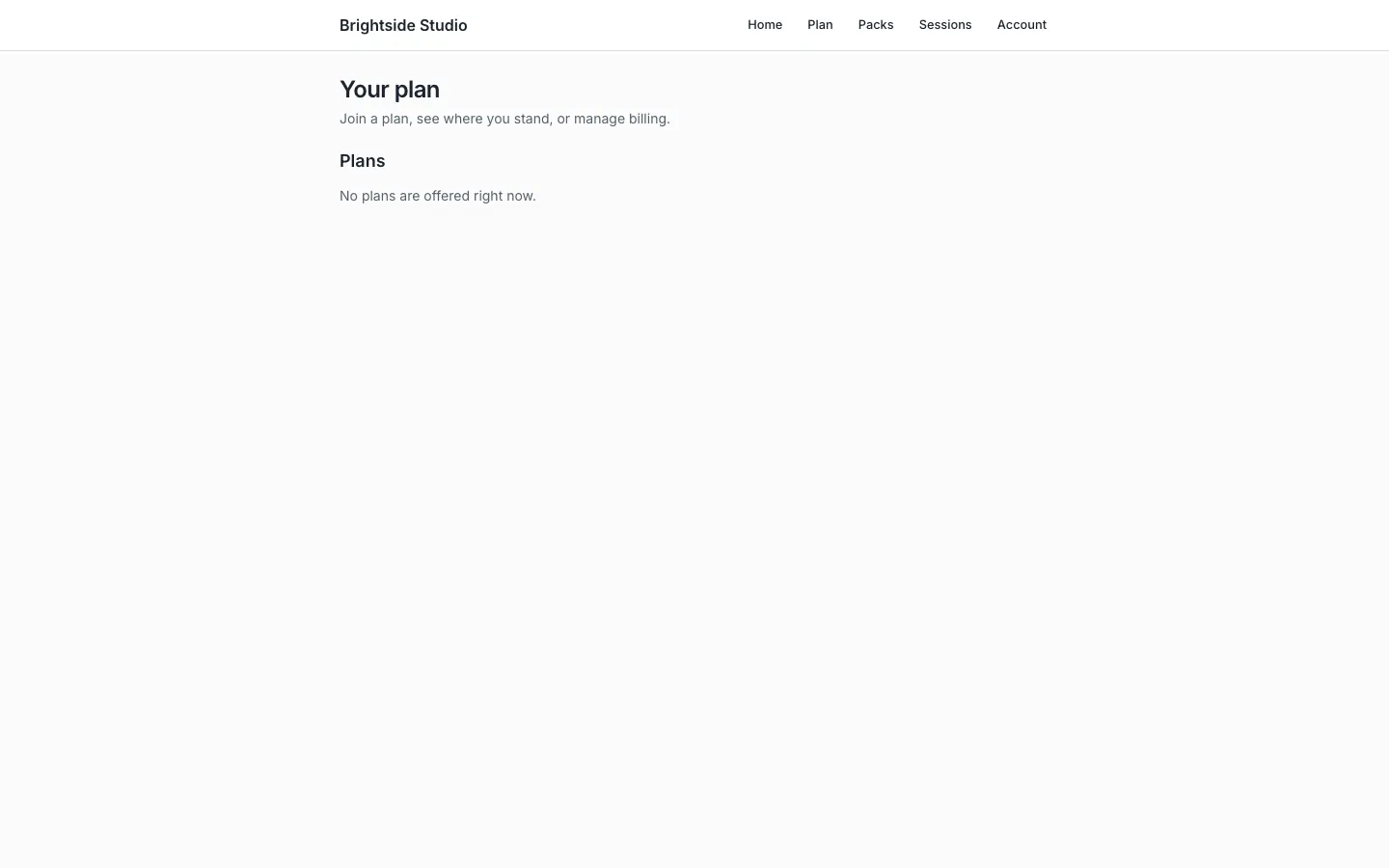
Link those pages from your public site if you want a “join” or “book” button. The person still has to be signed in.
New request
If you turned on a request form for the portal, they see a New request (or the label you chose). On the demo that form still creates a lead.
What they cannot do
They cannot see other customers. They cannot open admin. They cannot cancel a plan online if you turned that off in Memberships.
Canonical: https://www.xylosoftware.com/cms/docs/customer-portal